What Is a Crypto Wallet — and How Do You Keep It Safe?
A crypto wallet does not actually hold your coins. Here is what it really does, the difference between custodial and non-custodial wallets, why your seed phrase is the most important thing you own in crypto, and the concrete steps that keep your funds safe. This is educational, not financial advice.
Quick Answer
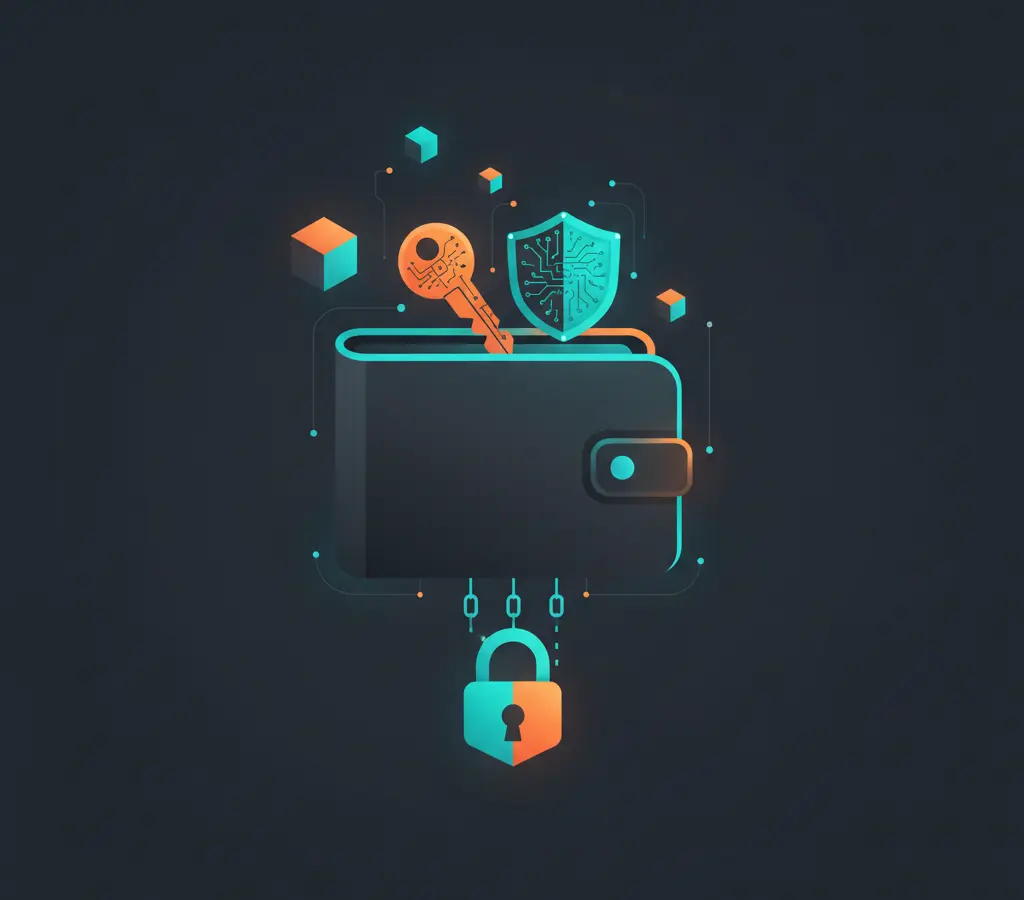
A crypto wallet is software (or hardware) that stores your private keys — the cryptographic credentials that prove you own assets on a blockchain. The coins themselves never leave the blockchain; the wallet just gives you the ability to sign transactions. Lose access to your keys, and you lose access to your funds, with no bank to call. That single fact shapes everything about crypto security.
In this article
Key Takeaways
- A crypto wallet stores private keys, not coins — the assets stay on the blockchain and you control them by controlling the key.
- Custodial wallets (exchanges) are convenient but introduce counterparty risk; non-custodial wallets give you full control and full responsibility.
- Hardware wallets keep private keys offline and are the strongest protection for meaningful holdings.
- Your seed phrase is the master key to everything — never type it into any website or app, never store it digitally, and always test your backup before funding a wallet.
- Most crypto theft is social engineering: phishing for seed phrases, fake apps, and clipboard hijacking — not breaking cryptography.
What Is a Crypto Wallet, Really?
The word “wallet” is misleading. A physical wallet holds cash. A crypto wallet holds nothing except keys — specifically a private key (a secret number) and its corresponding public key (your address, which you can share openly).
When someone sends you bitcoin or ether, what actually happens is: the blockchain records a transaction saying “this address now controls X amount.” Your wallet holds the private key that proves you are the owner of that address and allows you to sign a new transaction spending those funds. The coins themselves are just entries in a distributed ledger. They never travel to your device.
This is why the phrase “not your keys, not your coins” is taken seriously in the crypto community. If someone else controls the private key for an address, they control the assets at that address — no matter what any app says about your “balance.”
Public keys vs. private keys — a quick primer
Your public key (usually shown as your wallet address, a long string like 0x71C7656EC7ab88b098defB751B7401B5f6d8976F) is safe to share. It is how people send funds to you, and it reveals nothing sensitive.
Your private key is a secret that must never leave your control. It is mathematically derived from a random number generated when your wallet was created. Anyone who has it can sign transactions from your address — i.e., spend your funds. There is no recovery mechanism, no customer service, no chargeback. On a blockchain, a valid signature is final.
Most wallets today do not show you the private key directly. Instead they show you a seed phrase (also called a recovery phrase or mnemonic): 12 or 24 plain English words like river pencil frost marble caution sleeve orbit grain summit vessel lantern whale. The seed phrase is used to mathematically generate all the private keys in a wallet. Back up the seed phrase and you can restore every key in the wallet. Lose it (or let someone else see it) and you lose everything.
Custodial vs. Non-Custodial Wallets
This is the most important distinction in crypto storage, and it is worth understanding before anything else.
Custodial wallets
A custodial wallet is one where a third party — usually a crypto exchange like Coinbase, Binance, or Kraken — holds the private keys on your behalf. You log in with a username and password, see a balance, and can trade or withdraw. You do not manage keys yourself.
Advantages: Easy to use. If you forget your password, you can reset it. Familiar experience for people coming from online banking.
Risks: You are trusting that exchange entirely. If it is hacked, goes bankrupt, or freezes withdrawals (as happened with FTX in 2022, Celsius, and Voyager), you may lose access to your funds permanently. In a bankruptcy, crypto held on an exchange is often treated as an unsecured creditor claim — meaning you are in line with everyone else, not guaranteed recovery.
Non-custodial wallets
A non-custodial wallet is one where you hold the keys. Software options include MetaMask (browser extension and mobile), Trust Wallet, and Phantom (for Solana). You generate a seed phrase when you set up the wallet, and that phrase lives with you — not on any company’s server.
Advantages: Full control. No counterparty risk. You can use decentralized applications (DeFi protocols, NFT marketplaces) directly.
Risks: Full responsibility. Lose your seed phrase with no backup, and your funds are gone. There is no support ticket to file.
For most people who are holding meaningful crypto long-term, non-custodial storage (ideally with a hardware wallet, described below) is the safer architecture. For small amounts used for active trading, a reputable custodial exchange is a reasonable starting point.
Hot Wallets vs. Cold / Hardware Wallets
Beyond the custodial/non-custodial divide, there is a temperature metaphor you will encounter everywhere: hot vs. cold.
Hot wallets
A hot wallet is connected to the internet. Your MetaMask browser extension is a hot wallet. The app on your phone is a hot wallet. Being internet-connected makes them convenient for frequent transactions — you can sign a DeFi trade in seconds — but it also means they are exposed to malware, phishing attacks, and browser exploits.
Cold / hardware wallets
A hardware wallet (Ledger and Trezor are the two most established brands) is a small physical device — roughly the size of a USB drive — that stores your private keys offline. When you want to send funds, you plug it in, the transaction is sent to the device, you confirm it on the device’s physical screen and button, and then the signed transaction is broadcast. The private key never touches your internet-connected computer. Even if your computer has malware, the malware cannot extract the key from the hardware device.
This is the gold standard for securing meaningful crypto holdings. The device costs $60–$150. The tradeoff is convenience — you need the physical device to authorize transactions. For long-term holdings you are not actively trading, that tradeoff is almost always worth it.
A middle ground many people use: keep a small hot wallet with funds needed for day-to-day DeFi activity, and store the bulk of holdings in a hardware wallet.
Seed Phrase Safety: The One Thing That Matters Most
If you take nothing else from this article, take this: your seed phrase is the master key to your wallet. Protect it like the most sensitive document you own.
Concrete rules:
- Never type your seed phrase into any website or app. No legitimate wallet, exchange, or support agent will ever ask for your seed phrase. If anything asks for it, it is a scam, full stop.
- Never store it digitally. Not in a notes app, not in your email drafts, not in a cloud drive, not in a screenshot. Any of these can be accessed by malware or a compromised account.
- Write it down on paper, store it somewhere physically secure (a safe, a lockbox), and consider making a second copy stored in a different location (in case of fire or flood).
- Consider a metal backup for long-term storage — stamped or engraved metal plates that survive fire and water. Several companies sell kits designed for this. Paper degrades; metal does not.
- Do not photograph it. Phone cameras back up to iCloud or Google Photos by default. A photo of your seed phrase in the cloud is effectively public.
One more thing: write down each word correctly, in order, before you fund the wallet. Then test the backup by checking that you can restore the wallet from the written phrase before you put real money in. Many people discover they wrote down the wrong order only when it is too late.
Common Crypto Wallet Scams to Avoid
The attack surface for crypto theft is almost entirely social engineering, not sophisticated cryptography. Here are the scams that claim the most victims:
Seed phrase phishing
You receive a message (Discord DM, email, fake “MetaMask support” website, even a Google ad) telling you to “verify” or “restore” your wallet. It asks for your seed phrase. This is always a scam. Enter your phrase and your wallet is drained within seconds — often by an automated bot watching for new submissions.
Fake wallet apps
Fraudulent apps appear in app stores mimicking legitimate wallets. They either record your seed phrase on setup or generate keys the attackers already know. Always download wallet software from the official website of the project, not from a search result or app store search alone — verify the URL carefully.
Address poisoning
An attacker sends you a tiny transaction from an address that looks almost identical to one you frequently use, hoping you will copy the wrong address from your transaction history. Always verify wallet addresses character by character — at minimum the first and last six characters — before sending any meaningful amount.
Clipboard hijacking
Malware on your computer monitors your clipboard and replaces any crypto address you copy with an attacker’s address. Always verify the paste matches what you copied before confirming a transaction. Hardware wallets display the address on the device screen, which is why they protect against this even on an infected computer.
“Too good to be true” yield
Platforms promising 20–80% annual yield on crypto deposits are a warning sign, not an opportunity. Many are outright Ponzi schemes; others are legitimate protocols with risks they understate. This article is not financial advice — but the pattern of catastrophic loss in this category is well documented. Read more context on crypto infrastructure in our future-tech section.
Practical Security Checklist
Here is what “good hygiene” looks like for most people holding crypto:
- Use a hardware wallet for any amount you would not be comfortable losing. Ledger and Trezor both have strong track records, though verify you are buying directly from the manufacturer (not a reseller who could tamper with the device).
- Write down and physically secure your seed phrase before funding any wallet. Test the restore. Store a copy off-site.
- Use a dedicated browser profile or device for DeFi interactions to limit exposure to malicious extensions.
- Enable two-factor authentication on all exchange accounts, using an authenticator app (not SMS, which is vulnerable to SIM-swap attacks).
- Check contract addresses before approving DeFi transactions. Revoke unnecessary token approvals periodically using a tool like revoke.cash.
- Keep your OS and wallet software updated. Security patches matter.
- Be skeptical of urgency. Legitimate services do not DM you about emergencies requiring your seed phrase or immediate action. Pressure is a manipulation tactic.
If you are new to crypto, start by creating a non-custodial wallet, funding it with a small amount you are comfortable experimenting with, and going through a few transactions before you decide whether to invest more significantly. Understanding the mechanics yourself — not relying on an app to abstract them away — is the single best protection you have. Our newsletter covers security developments in this space as they happen.
Nothing in this article is financial advice. Cryptocurrency involves substantial risk of loss. Do your own research before making any investment decisions.
Sources
Frequently Asked Questions
Yes, and many people do. A common setup is a hardware wallet for long-term holdings, a non-custodial software wallet for active DeFi use, and an exchange account for buying and selling. Each wallet has its own seed phrase and keys. Just make sure you back up each one separately.
Nothing, as long as you have your seed phrase backed up. You buy a new hardware wallet (or use a software wallet temporarily), enter your seed phrase during setup, and your accounts are fully restored. The device itself is just a key storage medium — the seed phrase is the true backup.
Major regulated exchanges have insurance and security measures, but you still have counterparty risk. The exchange controls the keys, not you. For small amounts you are actively trading, the convenience may outweigh the risk. For long-term holdings, most security-focused people recommend moving funds off the exchange into your own non-custodial storage.
Your wallet address (public key) is like your bank account number — share it freely so people can send you funds. Your seed phrase is the master secret that generates all your private keys — never share it. One is for receiving; the other is for proving ownership and signing transactions.
Sometimes. Bitcoin and Ethereum are different blockchains with different address formats. Some wallets (like Ledger, Trust Wallet, and Exodus) support multiple blockchains in one interface. Others are chain-specific — MetaMask, for example, is primarily for Ethereum and EVM-compatible chains. Check compatibility before sending funds to an address on the wrong network, as cross-chain sends typically result in permanent loss.
A SIM-swap is when an attacker convinces your mobile carrier to transfer your phone number to a SIM card they control. If your exchange account uses SMS-based two-factor authentication, they can then reset your password and drain the account. The defense is to use an authenticator app (Google Authenticator, Authy) instead of SMS for 2FA, and to set a carrier-level PIN that requires in-person verification for any SIM changes.
When you use a DeFi app, you often sign a transaction that gives that app's smart contract permission to spend a certain token from your wallet. If the contract is later exploited or turns malicious, that approval can be used to drain your funds. Regularly visiting a tool like revoke.cash lets you see all active approvals and remove the ones you no longer need, limiting your exposure.

Edward Howard edits HogaToga's Future Tech desk, covering artificial intelligence, blockchain, Web3 and augmented and virtual reality. He is drawn to the gap between what emerging technology promises and what it actually delivers, and he writes to help readers tell genuine progress from hype. Edward's explainers break complex topics —…
All articles by Edward →Get tech news, app reviews & gaming guides weekly
More in Future Tech

What Is Agentic AI? A Plain-English Explainer
Everyone is talking about AI agents. Here is what they actually are, how they work, where they are genuinely useful right now,…